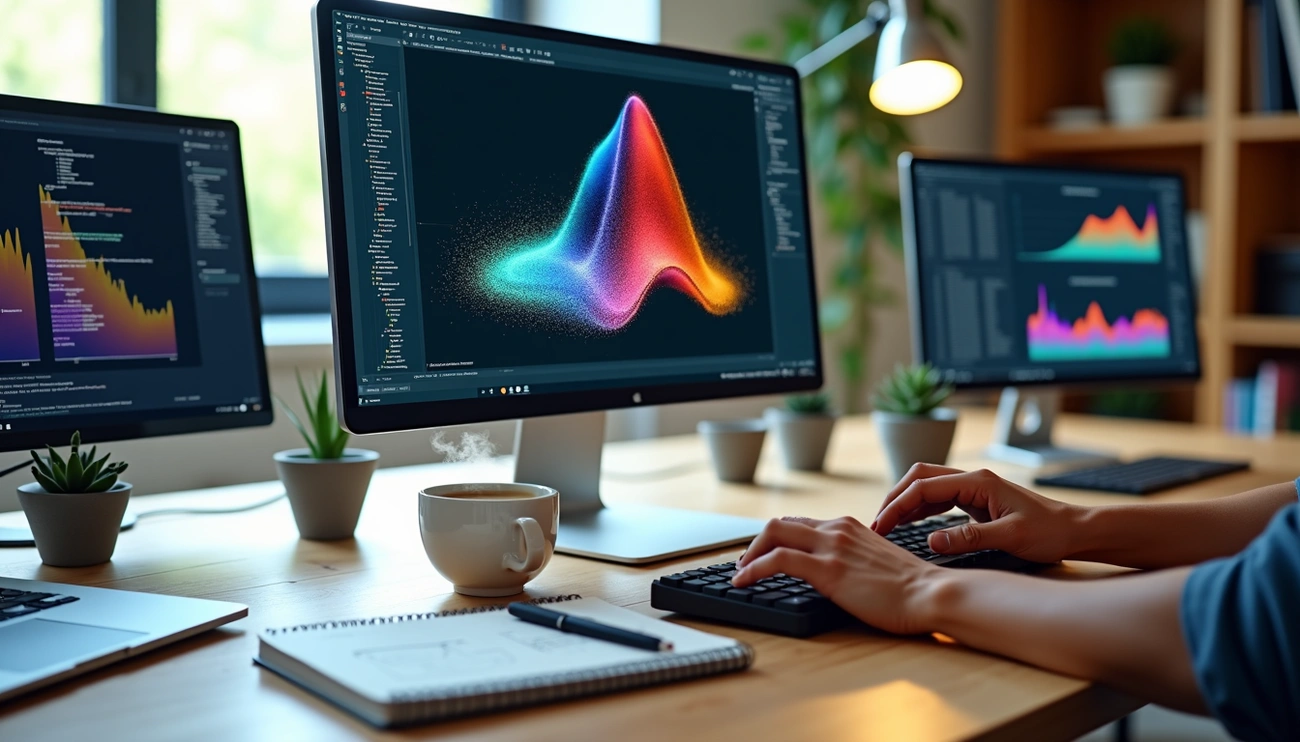
Data visualization MATLAB projects can realize powerful insights when combined with machine learning techniques. MATLAB is a high-level programming language that many use for data analysis, scientific computing, and visualization. Its strong environment allows you to visualize and analyze complex data through various approaches. MATLAB’s capabilities in data modeling and machine learning also make it an ideal platform for creating advanced visualizations that adapt and respond to patterns in your datasets.
This piece will guide you through improving data visualization in MATLAB using machine learning methods. You will find how to apply ML-enhanced interactive data visualization MATLAB solutions and explore 3D data visualization MATLAB techniques. You will also utilize visualization tools MATLAB offers for sophisticated analysis.
Understanding Data Visualization in MATLAB
MATLAB offers an extensive ecosystem of functions designed for data visualization in matlab in multiple domains. The platform provides several distinct categories of plotting capabilities: line plots, scatter and bubble charts, data distribution plots, discrete data plots, geographic plots, polar plots, contour plots, vector fields, surface and mesh plots, volume visualization, animation, and images. Each category contains functions tailored to different visualization needs.
The fundamental plot function creates 2-D line plots by plotting data in Y versus corresponding values in X. You can plot coordinates connected by line segments when working with vectors of the same length. Matrices allow plotting multiple datasets on the same axes. Customization options include line specifications, markers, and colors that modify plot appearance.
MATLAB supports 3d data visualization matlab through functions like plot3, scatter3, surf, mesh, and surfl. These interactive data visualization matlab tools enable exploration of complex multidimensional datasets.
The Statistics and Machine Learning Toolbox extends visualization capabilities for exploratory data analysis and provides options like box plots, histograms, and probability plots. Data visualization plays a critical role in spotting trends and patterns that guide feature selection and model development in machine learning workflows. Data visualization helps identify correlations between variables and determines which features prove most useful for predictive models.
Machine Learning Techniques for Enhanced Data Visualization
Machine learning algorithms revolutionize how we approach data visualization in matlab. They detect patterns automatically, reduce dimensions, and optimize visual representations. Predictive modeling functions support linear regression, regularized linear regression, and Gaussian process regression to generate forecasts within visualizations directly. Gaussian process regression works with one ordered dimensional predictor and multiple unordered dimensional predictors, though measures aren’t supported as predictors in this model type.
Dimensionality reduction is a life-blood technique to visualize 3d data in matlab and higher-dimensional datasets. Principal Component Analysis (PCA) reduces feature sets while preserving variance. The first principal component typically explains over 90% of a dataset’s variance in many cases. t-SNE excels at separating distinct data clusters through non-linear dimensionality reduction, though it requires perplexity tuning between values of 5 and 50. Deep learning approaches now accelerate these projections by two to three orders of magnitude compared to traditional SNE-class methods.
Clustering algorithms group similar data points to recognize patterns in interactive data visualization matlab. K-means partitions datasets into predetermined clusters, while DBSCAN identifies arbitrary-shaped clusters based on density. Point often overlooked: hierarchical clustering builds nested structures without requiring upfront cluster specification. Neural networks trained on one million dataset-visualization pairs predict visualization design choices with 89.4% accuracy for chart type selection. Outlier detection through Isolation Forest and Local Outlier Factor algorithms identifies anomalous data points that might distort visual interpretations.
Implementing ML-Enhanced Interactive Data Visualization in MATLAB
Building implementations that work starts with preprocessing raw data using interactive data visualization matlab capabilities. The Data Cleaner app provides a code-free interface for cleaning time-series data, filling missing values and removing outliers. You can export modified data to the workspace or generate MATLAB code to automate these preprocessing steps. Live Editor tasks integrate into scripts and allow point-and-click configuration to iterate through settings and identify the best data preparation approaches.
Strategic use of control elements is what creating interactive dashboards needs. Buttons retrieve and display data on demand. Checkboxes toggle visualization parameters. Configure button execution to run current sections and update displayed results when users interact with controls. Hide code using the View tab to present clean dashboards where only controls and results remain visible.
K-means handles arbitrary feature dimensions for 3d data visualization matlab with clustering. Pass three features as columns in matrix X, then visualize results using scatter3(X(:,1), X(:,2), X(:,3), 15, idx, 'filled') where idx contains cluster assignments. The Classification Learner app accelerates model development by training multiple classifiers. Export trained models to workspace as structures containing prediction functions. Use trainedModel.predictFcn(T) on new data T matching original training format. The app generates validation metrics and plots to identify the best models before deployment.
Conclusion
I walked you through the powerful combination of MATLAB’s visualization capabilities with machine learning techniques. We explored dimensionality reduction methods like PCA and t-SNE, clustering algorithms to recognize patterns, and neural networks to model predictions. We also got into practical implementation through the Data Cleaner app and interactive dashboards along with the Classification Learner. These tools enable you to create visualizations that detect patterns automatically and adapt to your data. Complex datasets become useful information.